
Exporting Contacts From Office 365
If the user is running Office 365, follow these steps to export their contacts:
- Click the People tile in Office 365.
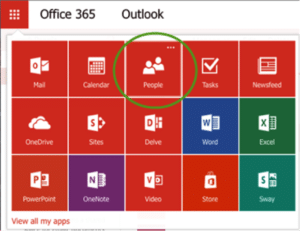
- You will see a list of your contacts, including: name, email address, etc.
- Select the contacts you want to export.
- Select the Manage drop down tab and Export contacts.
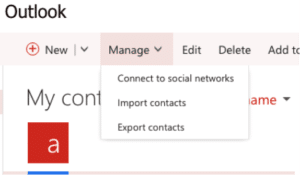
- Select export format> Microsoft Outlook CSV.
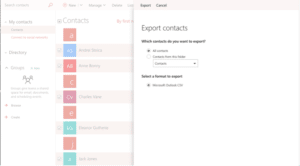
Once the export is complete, the CSV file can be used to import contacts into most third party applications.
0 Commentaires